bookdelegate.cpp
to
bookdelegate.py

Now that your database is in place, port the C++ code for the
BookDelegate
class. This class offers a delegate to present and edit the data in a
QTableView
. It inherits
QSqlRelationalDelegate
interface, which offers features specific for handling relational databases, such as a combobox editor for foreign key fields. To begin with, create
bookdelegate.py
and add the following imports to it:
After the necessary
import
statements, port the constructor code for the
BookDelegate
class. Both the C++ and Python versions of this code initialize a
QSqlRelationalDelegate
and
QPixmap
instance. Here is how they look:
注意
The Python version loads the
QPixmap
using the absolute path of
star.png
in the local filesystem.
As the default functionality offered by the
QSqlRelationalDelegate
is not enough to present the books data, you must reimplement a few functions. For example, painting stars to represent the rating for each book in the table. Here is how the reimplemented code looks like:
Now that the delegate is in place, run the following
main.py
to see how the data is presented:
Here is how the application will look when you run it:
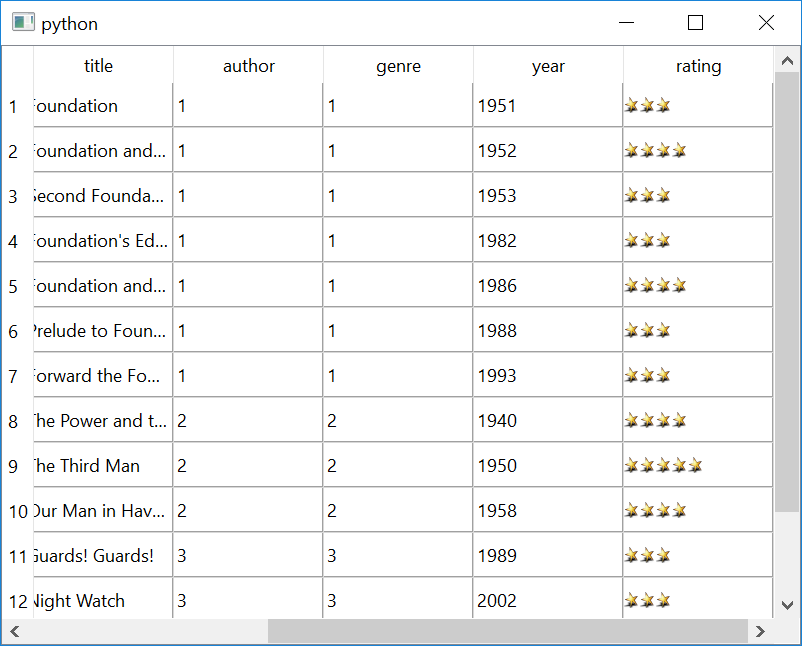
The only difference you’ll notice now in comparison to
chapter 1
is that the
rating
column looks different.
Try improving the table even further by adding these features:
Title for each column
SQL relation for the
author_id
and
genre_id
columns
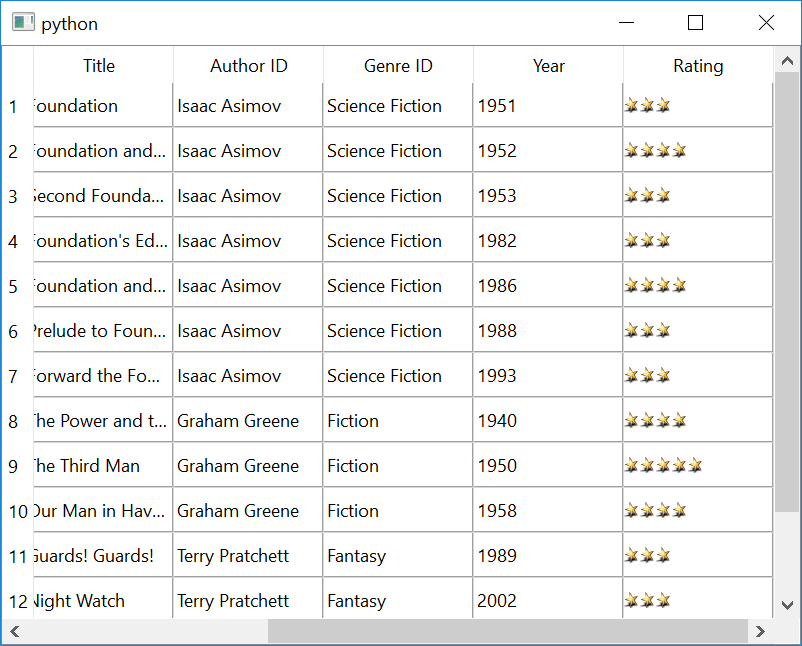
Set a title to the window
With these features, this is how your table will look like: