QML 应用程序演示如何在 Qt 3D 中渲染场景。
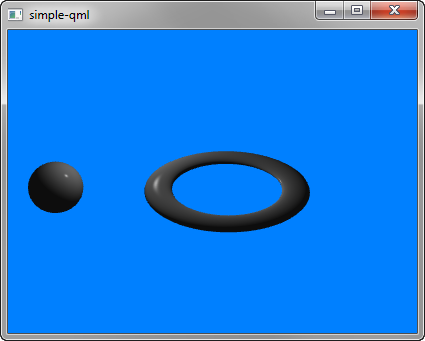
Simple 演示如何在 Qt 3D 渲染场景。
要运行范例从 Qt Creator ,打开 欢迎 模式,然后选择范例从 范例 . For more information, visit Building and Running an Example.
我们设置整个场景在 main.qml 文件。
To be able to use the types in the Q3D and Q3D Render modules, we must import the modules:
创建第一个实体 Camera , which represents the camera used for the final rendering, and a camera controller, which allows us to control this camera using the keyboard or the mouse:
A RenderSettings entity specifies a ForwardRenderer as the active framegraph:
The event source is set by the Qt3DQuickWindow:
