演示如何在 Qt 3D 渲染场景的 C++ 应用程序。
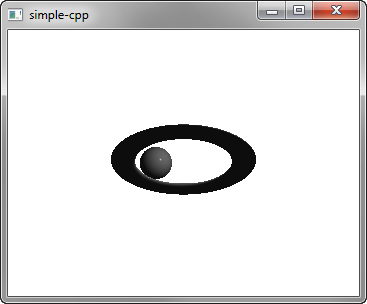
Simple 演示如何在 Qt 3D 渲染场景。
要运行范例从 Qt Creator ,打开 欢迎 模式,然后选择范例从 范例 . For more information, visit Building and Running an Example.
设置场景在 main.cpp 文件。
To be able to use the classes and functions in the Q3D Core, Q3D Render, Qt 3D Input, and Qt 3D Extras modules, we must include the classes:
First, we set up the scene and specify its root entity:
We specify the material to use for Phong rendering:
The root entity is just an empty shell and its behavior is defined by the components that it references. We specify the torus entity and its mesh, transform, and material components:
We also specify a sphere entity and its components:
We use a property animation to animate the sphere transform.
Finally, we initialize a Qt GUI application that uses a Qt 3D window:
