演示在 Qt 3D 中创建自定义材质。
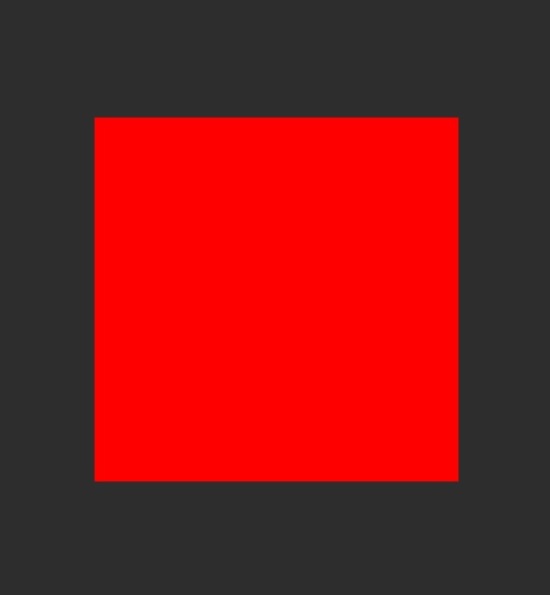
This example demonstrates creating a simple custom material.
要运行范例从 Qt Creator ,打开 欢迎 模式,然后选择范例从 范例 . For more information, visit Building and Running an Example.
The example uses Scene3D to render a scene which will use the custom material. The scene contains a plane model, which uses the custom material.
The material is specified in
simplecustommaterial/SimpleMaterial.qml使用 Material type. First the material specifies parameters, which are mapped to the corresponding uniforms in the shaders so that they can be changed from the qml.property color maincolor: Qt.rgba(0.0, 0.0, 0.0, 1.0) parameters: [ Parameter { name: "maincolor" value: Qt.vector3d(root.maincolor.r, root.maincolor.g, root.maincolor.b) } ]Next we specify which shaders are loaded. Separate versions of the shaders are provided for OpenGL ES 2 and OpenGL renderers.
property string vertex: "qrc:/shaders/gl3/simpleColor.vert"
property string fragment: "qrc:/shaders/gl3/simpleColor.frag"
property string vertexES: "qrc:/shaders/es2/simpleColor.vert"
property string fragmentES: "qrc:/shaders/es2/simpleColor.frag"
In the vertex shader we simply transform the position by the transformation matrices.
In the fragment shader we simply set the fragment color to be the maincolor specified in the material.
Next, we create ShaderPrograms from the shaders.
ShaderProgram {
    id: gl3Shader
    vertexShaderCode: loadSource(parent.vertex)
    fragmentShaderCode: loadSource(parent.fragment)
}
ShaderProgram {
    id: es2Shader
    vertexShaderCode: loadSource(parent.vertexES)
    fragmentShaderCode: loadSource(parent.fragmentES)
}
Finally the shader programs are used in the Techniques corresponding to a specific Api profile.
// OpenGL 3.1
Technique {
    filterKeys: [forward]
    graphicsApiFilter {
        api: GraphicsApiFilter.OpenGL
        profile: GraphicsApiFilter.CoreProfile
        majorVersion: 3
        minorVersion: 1
    }
    renderPasses: RenderPass {
        shaderProgram: gl3Shader
    }
},
