This first program is a very simple “Hello world” example that introduces some basic QML concepts. The picture below is a screenshot of this program.
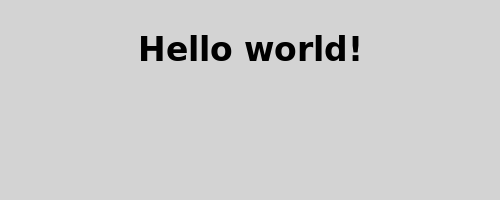
Here is the QML code for the application:
import QtQuick 2.0
Rectangle {
    id: page
    width: 320; height: 480
    color: "lightgray"
    Text {
        id: helloText
        text: "Hello world!"
        y: 30
        anchors.horizontalCenter: page.horizontalCenter
        font.pointSize: 24; font.bold: true
    }
}
First, we need to import the types that we need for this example. Most QML files will import the built-in QML types (like Rectangle , 图像 , …) that come with Qt, using:
import QtQuick 2.0
Rectangle {
    id: page
    width: 320; height: 480
    color: "lightgray"
We declare a root object of type Rectangle . It is one of the basic building blocks you can use to create an application in QML. We give it an
idto be able to refer to it later. In this case, we call it “page”. We also set thewidth,heightandcolorproperties. The Rectangle type contains many other properties (such asxandy), but these are left at their default values.
Text {
    id: helloText
    text: "Hello world!"
    y: 30
    anchors.horizontalCenter: page.horizontalCenter
    font.pointSize: 24; font.bold: true
}
We add a 文本 type as a child of the root Rectangle type that displays the text ‘Hello world!’.
yproperty is used to position the text vertically at 30 pixels from the top of its parent.
anchors.horizontalCenterproperty refers to the horizontal center of an type. In this case, we specify that our text type should be horizontally centered in the page 元素 (见 Anchor-Based Layout ).
font.pointSizeandfont.boldproperties are related to fonts and use the dot notation.
To view what you have created, run the qmlscene tool (located in the
bindirectory) with your filename as the first argument. For example, to run the provided completed Tutorial 1 example from the install location, you would type:qmlscene tutorials/helloworld/tutorial1.qml
